
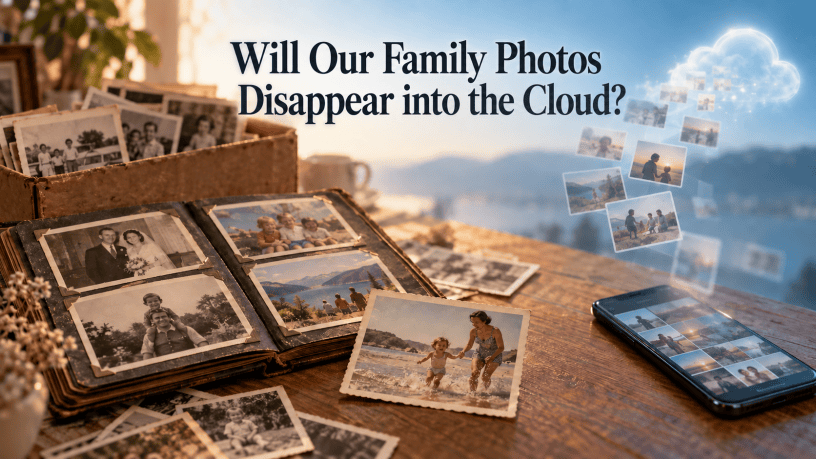
For years, family photographs lived in shoeboxes, drawers, and albums. Someone might discover a box while cleaning out a house, sit down on the floor, and spend an afternoon meeting relatives they had never known. The pictures were sometimes faded and rarely organized, but they were there. A future generation could find them.
Today, we take more photographs than ever. We save them to phones, cloud accounts, social media pages, and online albums. We assume they will always be available because we can pull them up in seconds.
But what happens when the person who owns the account is gone?
A daughter may know that her mother took hundreds of photographs at family gatherings but have no idea which service holds them. A grandson may find an old phone but be unable to unlock it. An online album may be visible today, yet no one knows how to download its original photographs. A family’s memories can still exist somewhere and remain out of reach.
The new kind of lost photograph
We tend to think of a photograph as lost when it is thrown away or damaged. In the digital age, a picture can be lost simply because nobody knows where to look.
Photos may be scattered across several accounts and devices. Access may depend on a password, a phone used for verification, or an account setting no one else knows about. Even when relatives can see images on social media, they may not have the original files or the names and stories that belong with them.
The Library of Congress has long encouraged people to identify important digital photographs, give them meaningful names, and keep copies in different places. Those simple steps matter because an online account alone does not make a family archive.
Make a map of your photographs
Start by writing down where your pictures live. Include your phone, computer, external drives, cloud photo services, social media accounts, and any shared family albums. You do not need to sort every image today. First, make sure someone you trust knows what collections exist.
Then choose the photographs you most want future generations to have. Download or export the original files when possible and place them in a clearly named family folder. Organize them in a way another person can follow, perhaps by family branch, decade, or event.
Keep a short inventory with the collection. It might say: “Family reunion photographs, 1982–2005, are in this folder. Earlier Key West photographs are on the external drive labeled Hamilton Family Archive.” A map like that can save someone years of searching.
Plan for access while you can
Tell a trusted person where your photo archive and account inventory are kept. Use a secure method to record the information needed to manage your accounts, and keep it up to date. Avoid putting passwords in an ordinary document that is widely shared with the family.
Check whether your services offer a way to name a trusted contact or plan for an inactive account. For example, Google’s Inactive Account Manager lets an account holder choose whether certain data can be shared with a trusted contact after a period of inactivity. Settings and access rules differ by service, so review the ones you actually use.
Most of all, do not leave your family dependent on gaining access to one account. Give them a separate, organized copy of the photographs you want preserved.
Keep copies you can find and open
A cloud account is useful, but it should be one part of your preservation plan. Keep additional copies in different places, such as an external drive and another secure location. Open a few files from each backup now and then to make sure they work. As devices and storage change, move the collection to current storage rather than leaving it on a forgotten drive in a drawer. The Library of Congress recommends organization, backups, and regular migration as key parts of preserving digital files.
Consider printing a small selection, too. A labeled album of the photographs that tell your family’s story gives someone something to discover and hold. It can also point them toward the larger digital collection.
Preserve the story, not just the file
An image of three people standing in front of a house means far more when someone can tell us their names, the address, and why they were gathered there.
Add captions to your most important photographs. Record names, places, approximate dates, and the memories people share about them. If you are unsure of an identification, say so. Ask older relatives about the pictures now, while you can still hear their answers.
Someday, a descendant may open your family archive the way we once opened a shoebox of photographs. Give that person a way in: a folder they can find, files they can open, and enough names and stories to understand what they are seeing.
The cloud can help us keep our photographs. We have to make sure our families can inherit them.
Lifetales Media — Preserving history…one story at a time.

